Your desk phone, in your pocket
- Your office extension, on your iPhone
- Take client calls in the car with CarPlay
- Hold, transfer and three-way calls
- Works with your company’s phone system
Your work extension and your own number, ringing like regular calls. Tellvo.app works with any SIP provider and sets up from your computer in minutes.
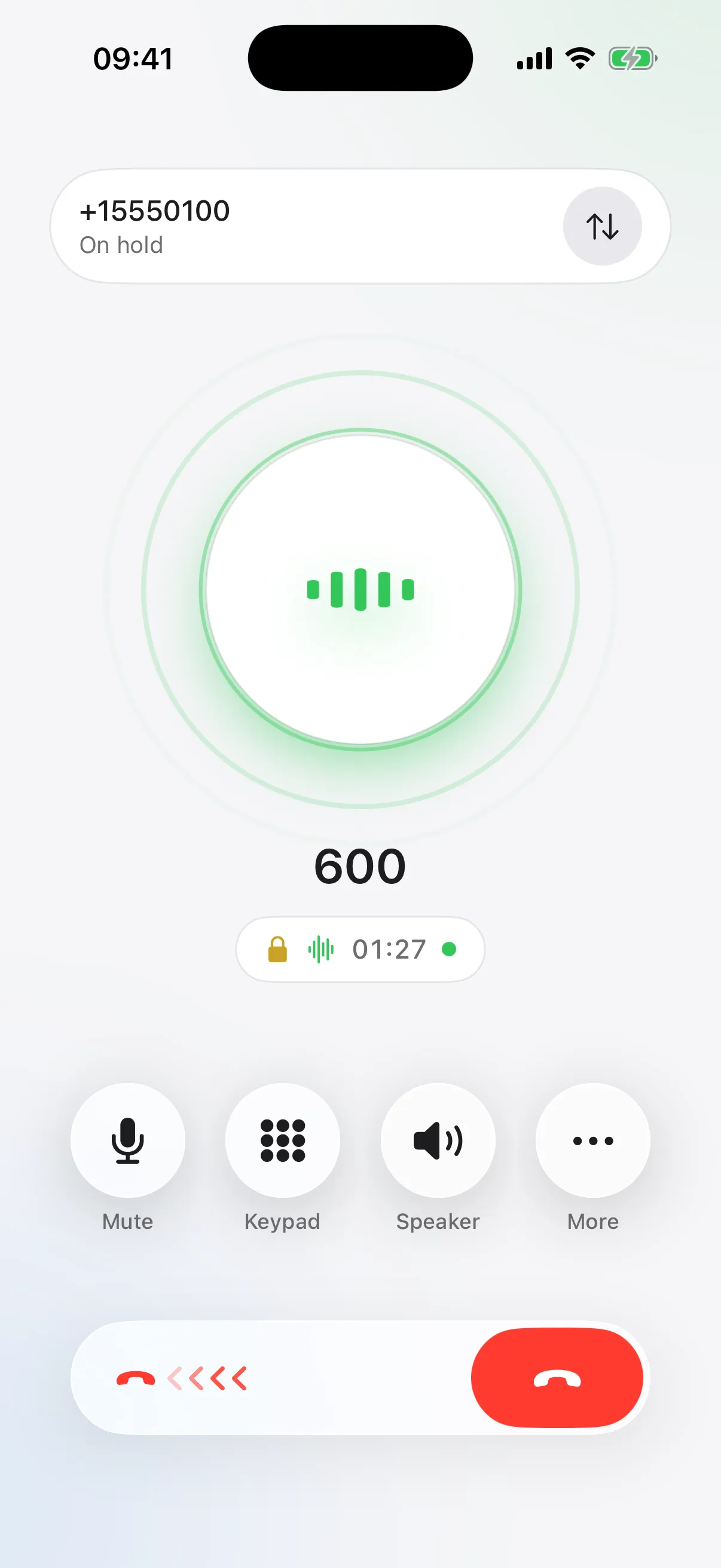
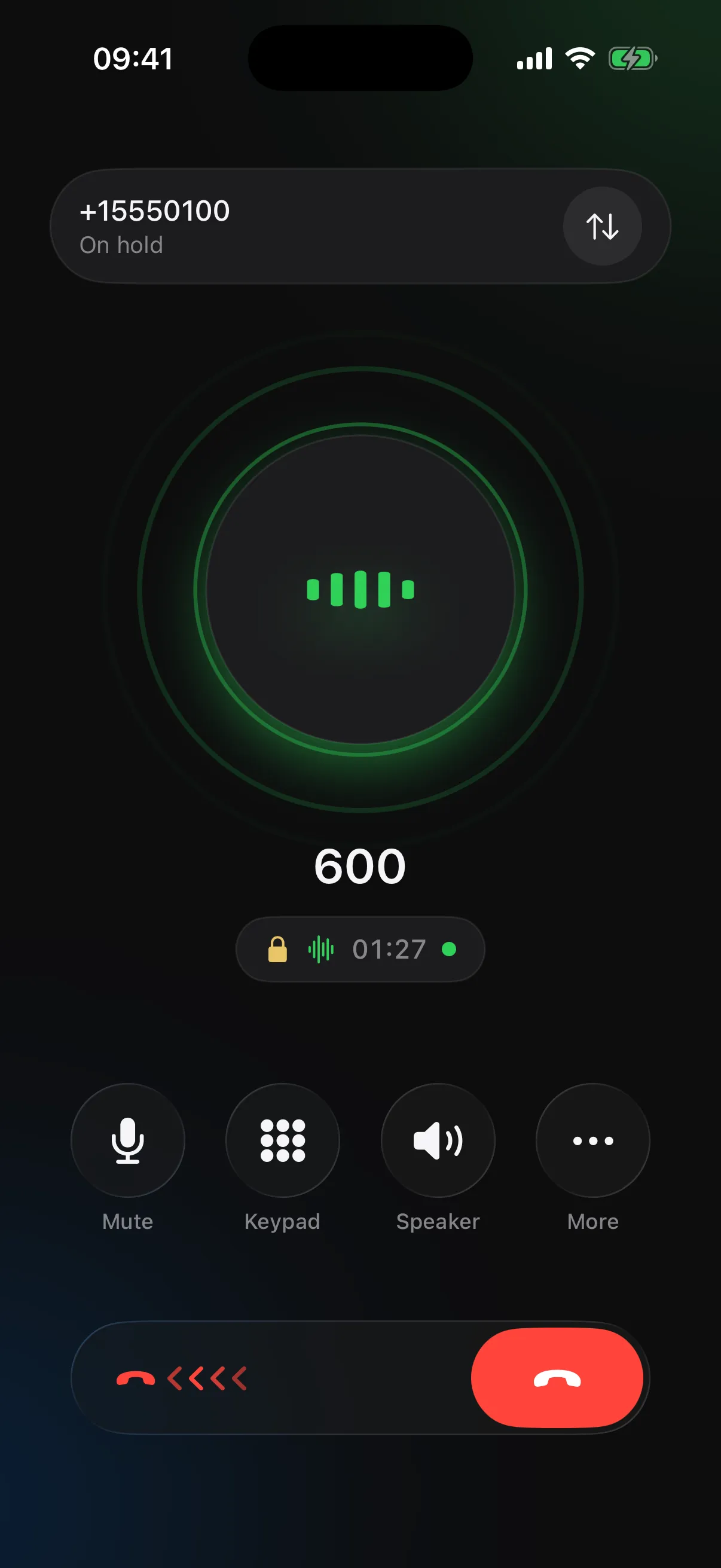
Your office extension and your own number, side by side on the phone you already carry.
Apple’s CallKit gives your internet calls the system call screen, Recents, Focus, CarPlay and AirPods.
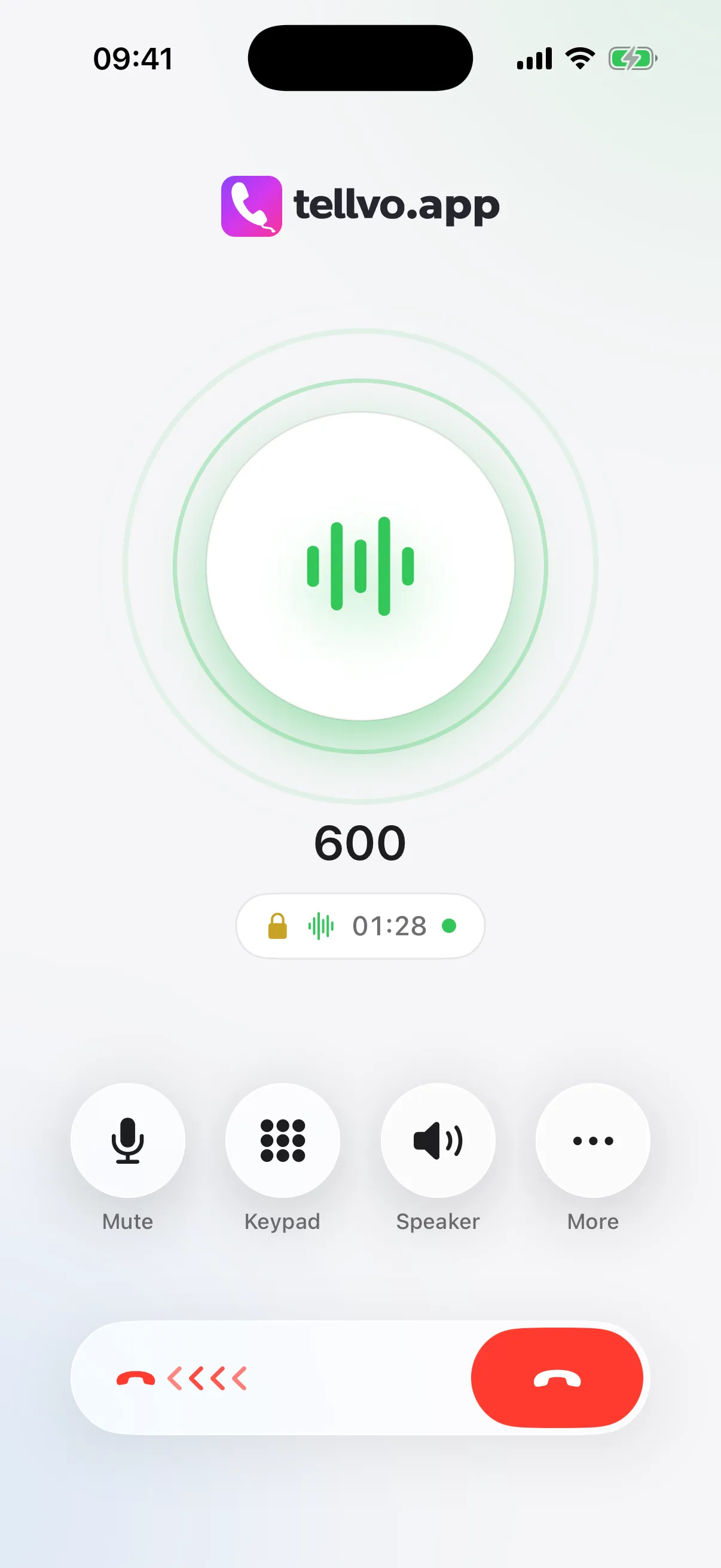
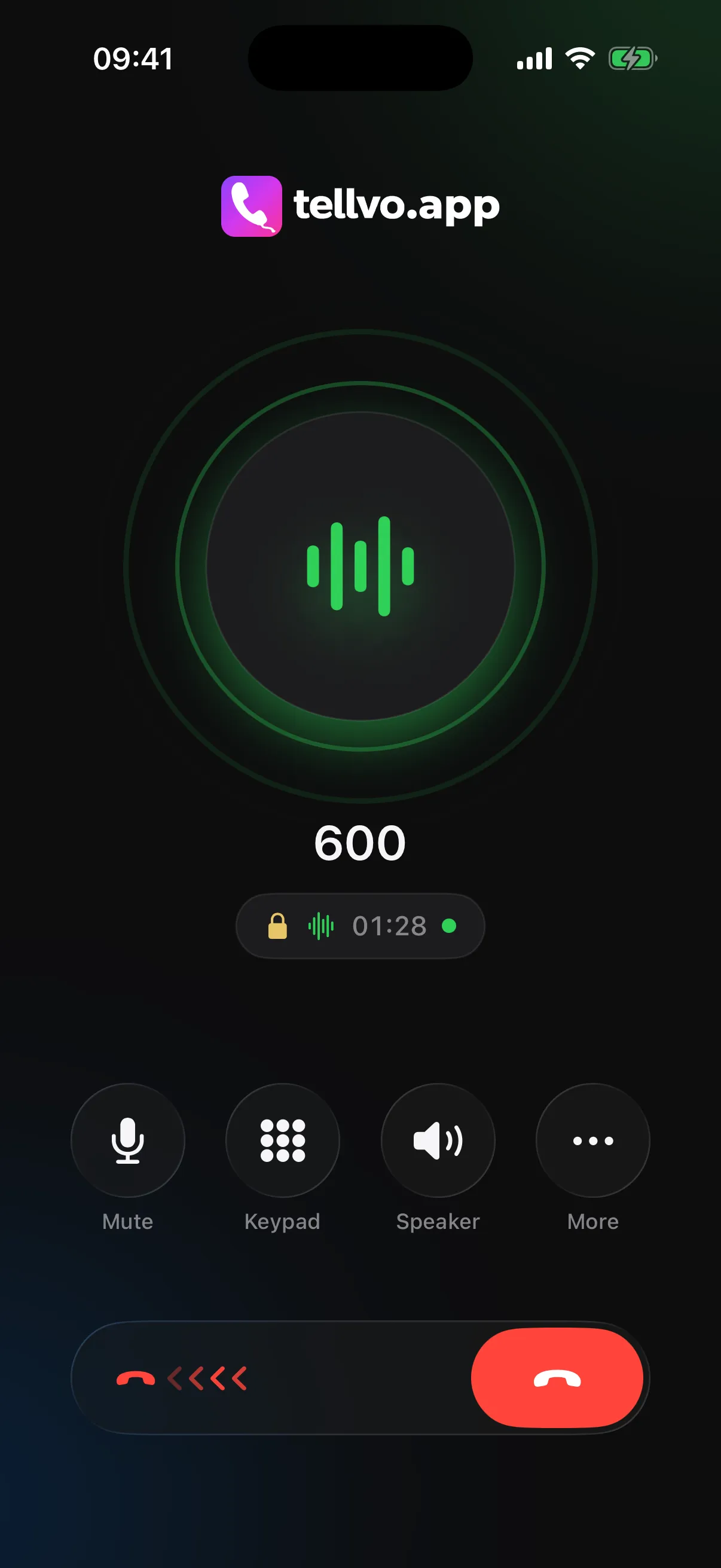
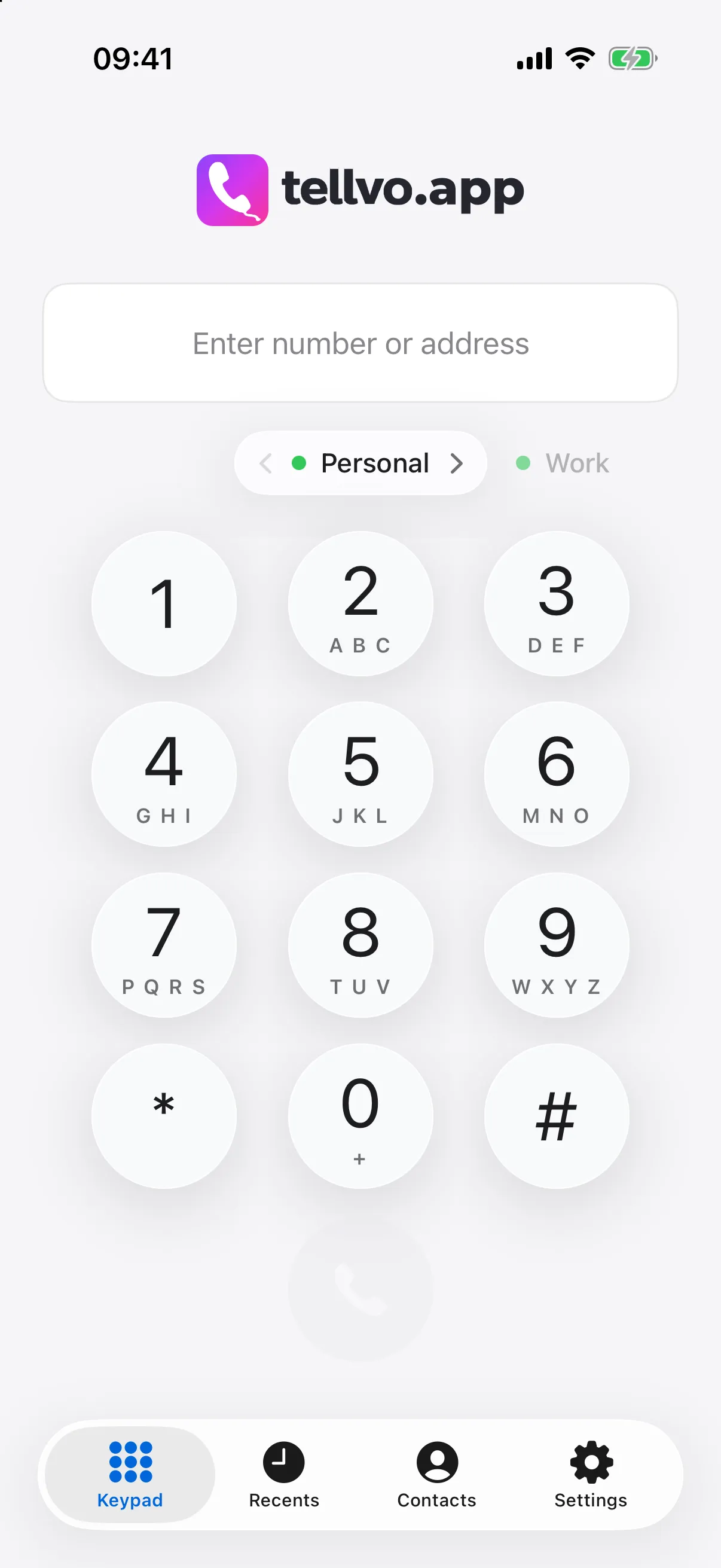
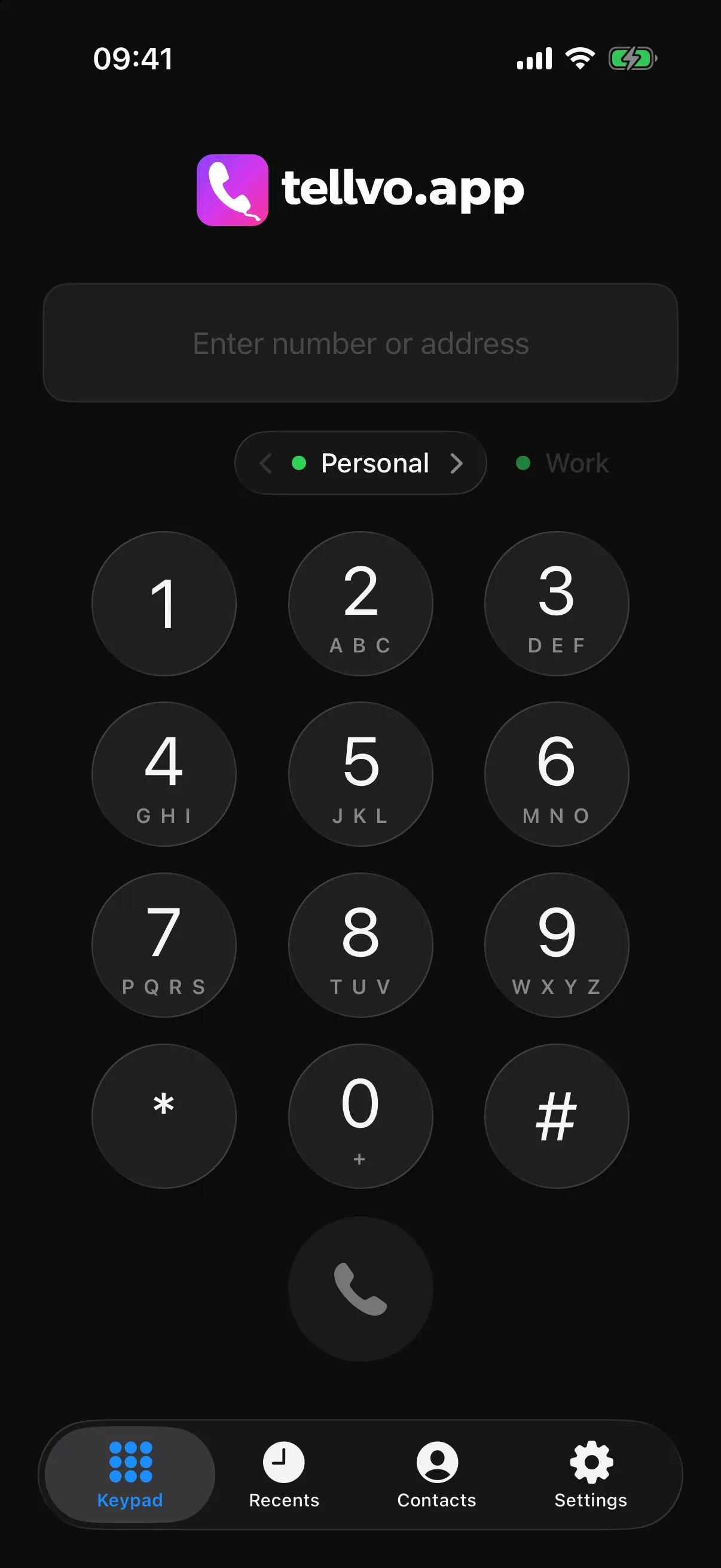
Pick the line right above the keypad. A green dot means it’s online and ready to ring.
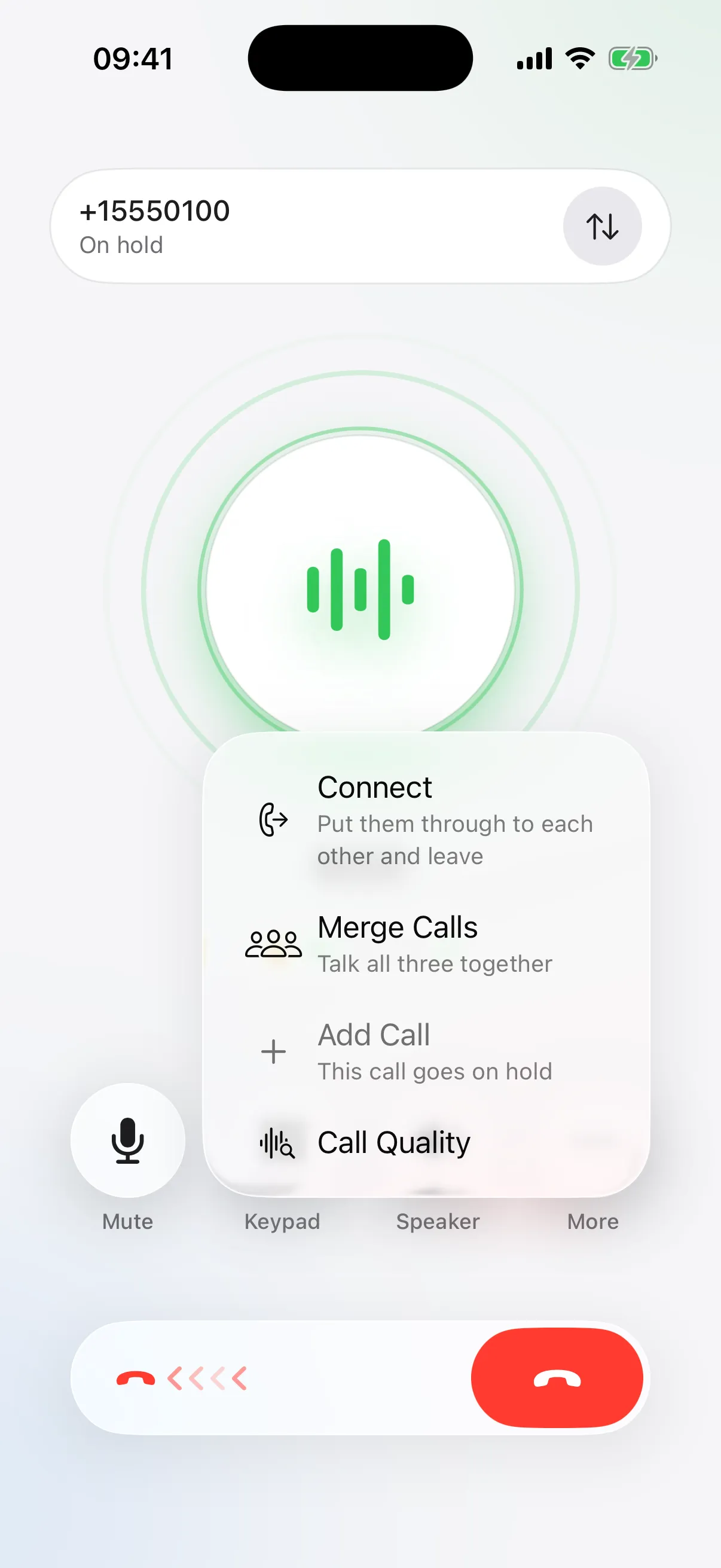
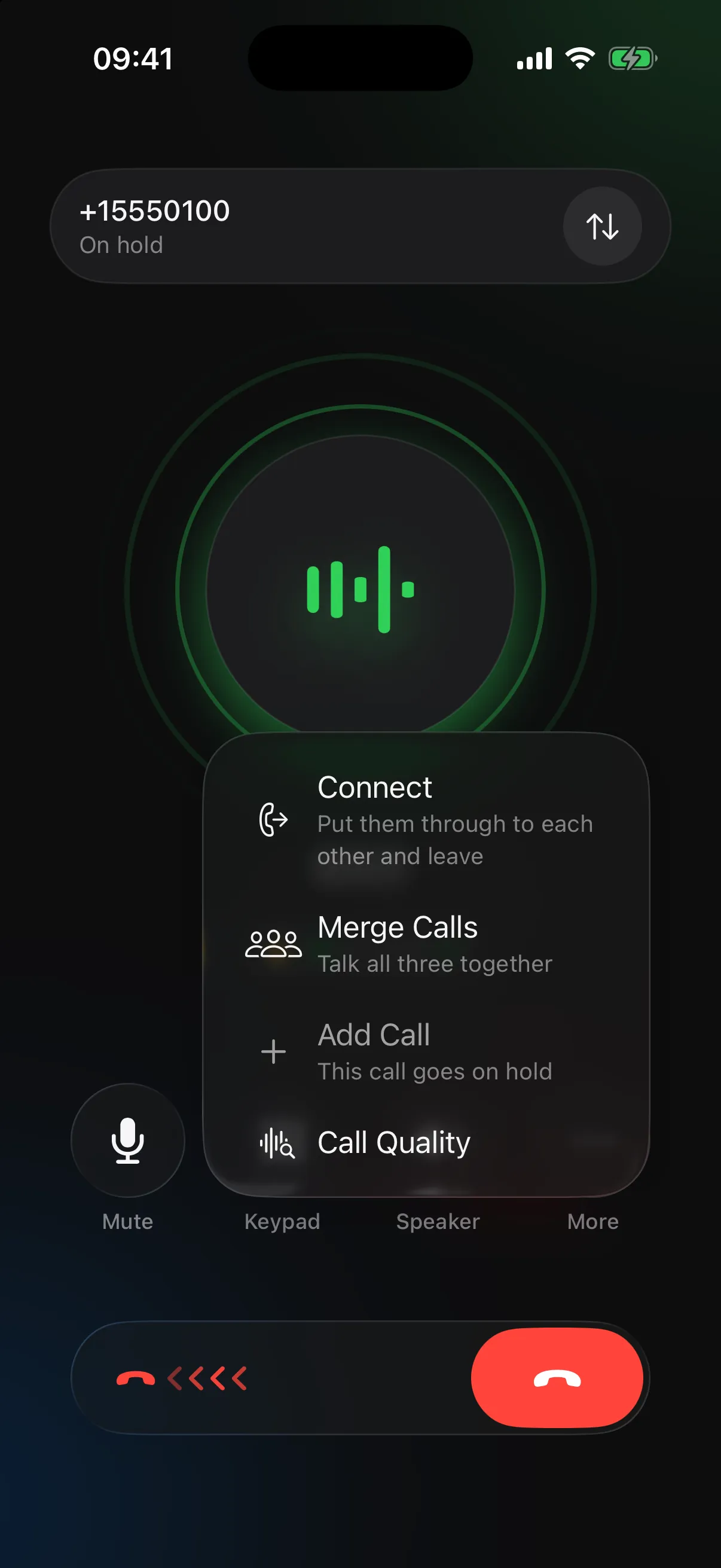
Put a call on hold to take the next one, and swap between them with a tap. Merge them into a three-way conference, or connect the two people and step out.
Open setup.tellvo.app on your computer and scan the code. Your iPhone shows every change as you type, then tests the line for you.
Our push service watches your lines and wakes your iPhone for every call. Nothing runs in the background, so your battery barely notices.
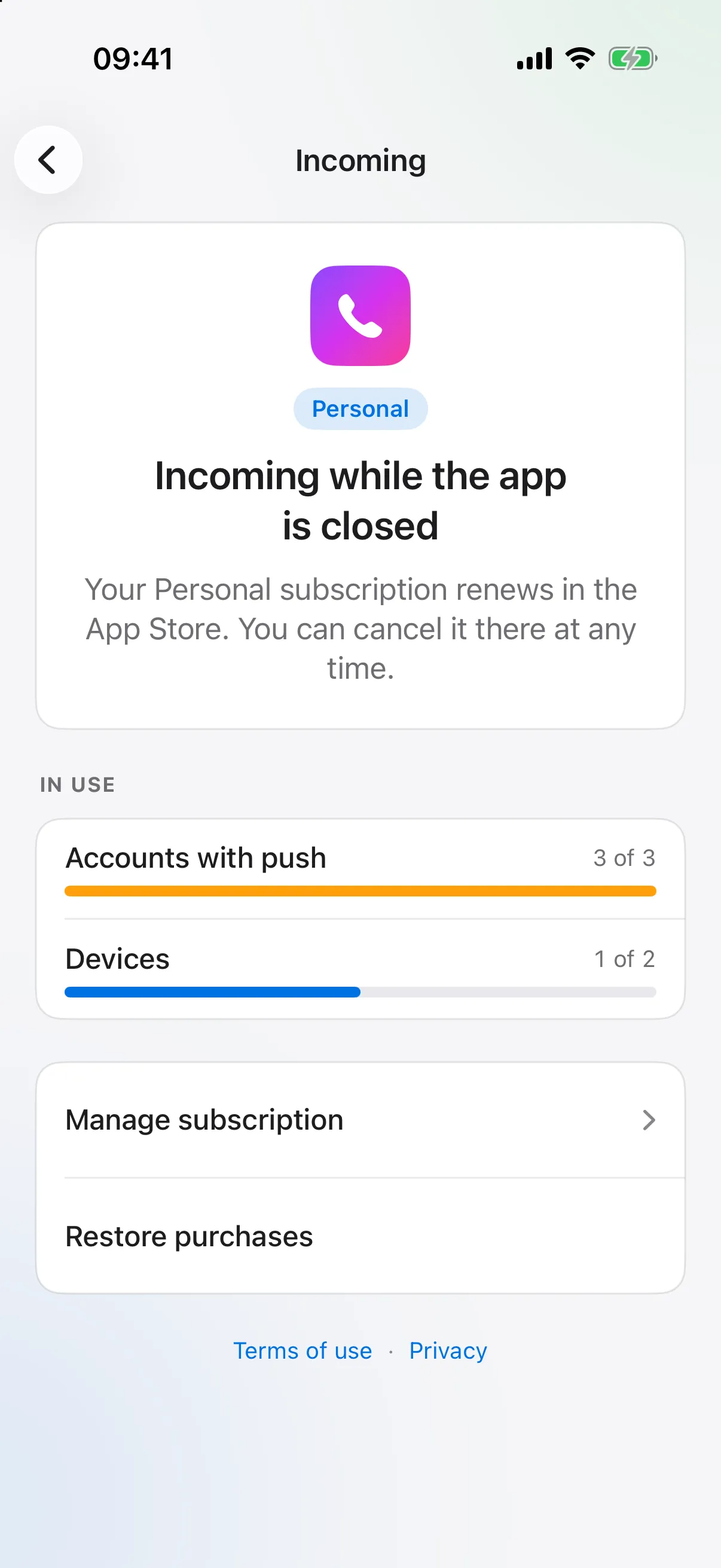
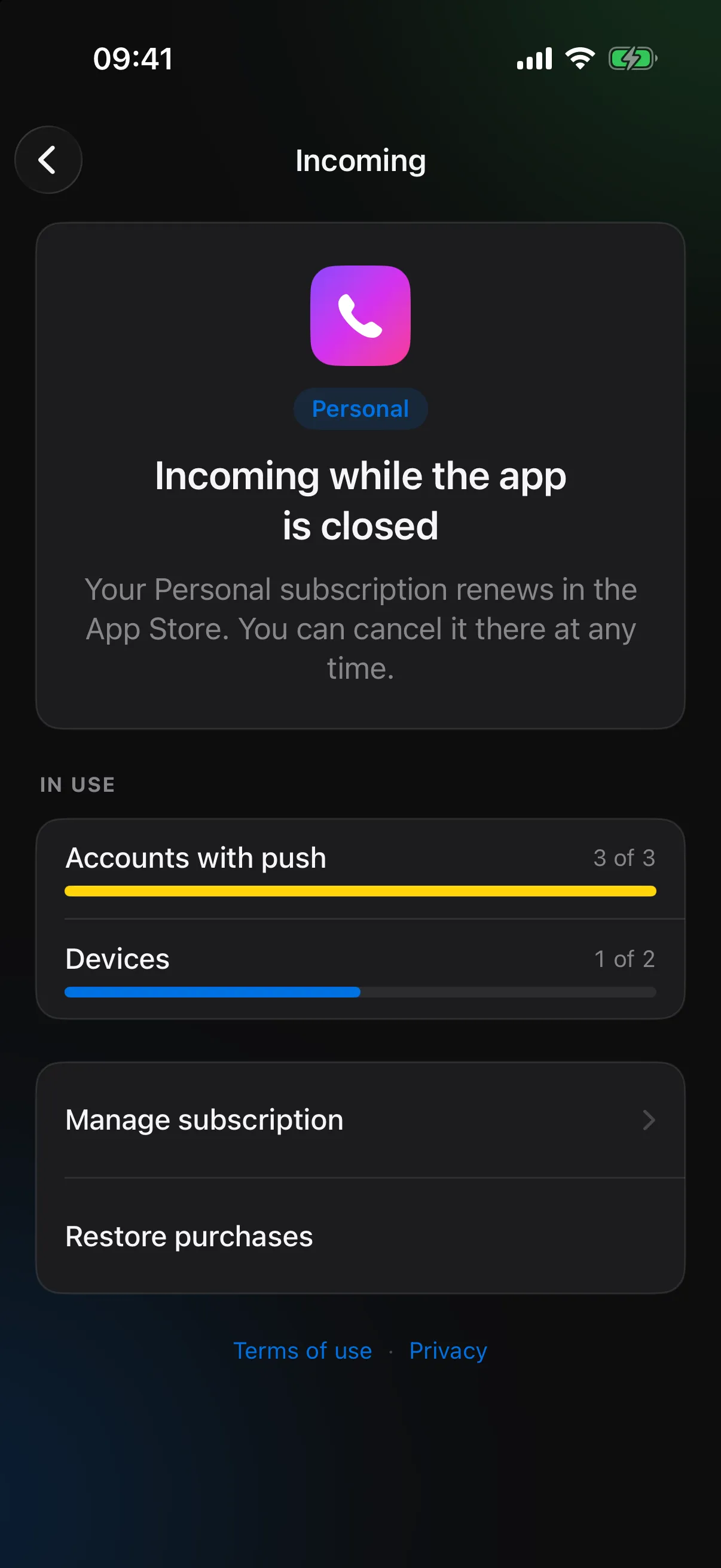
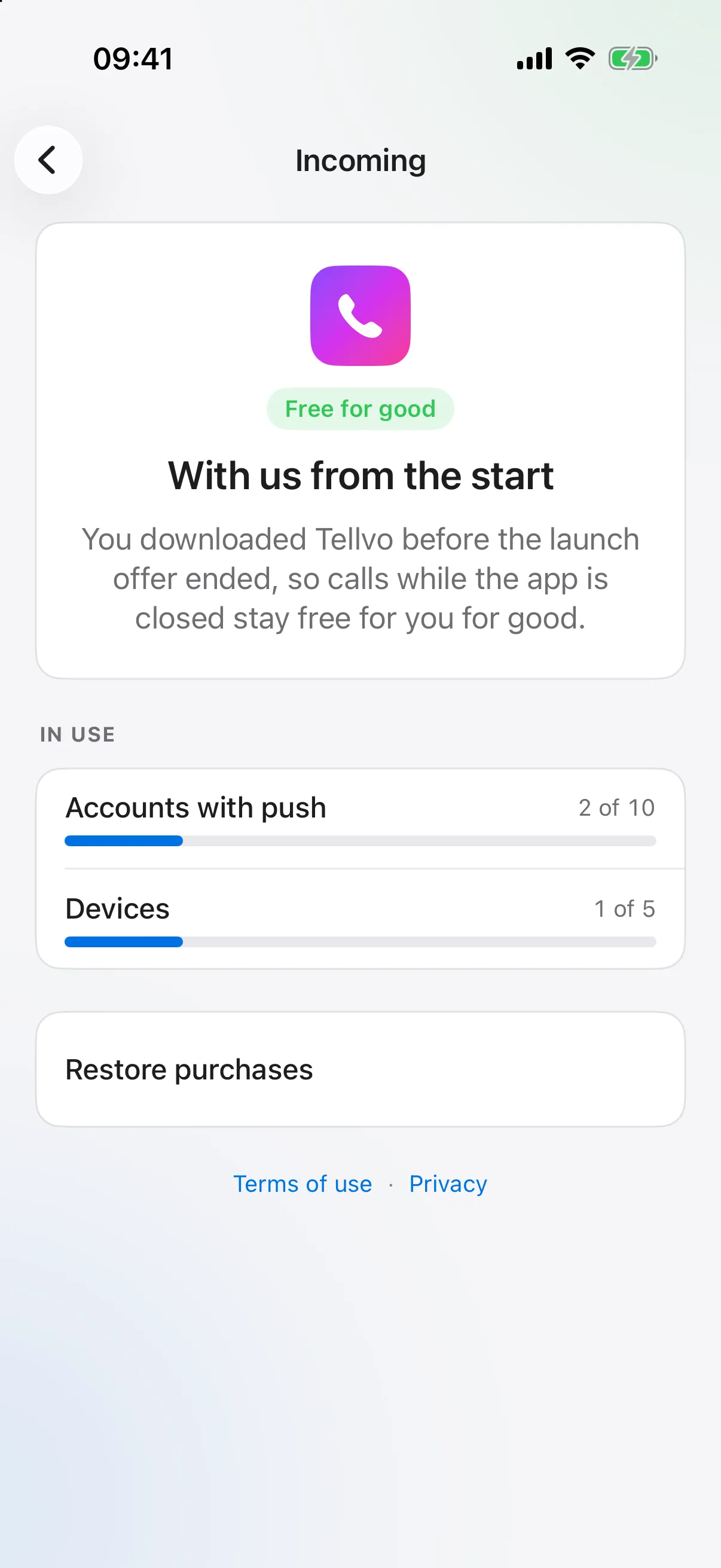
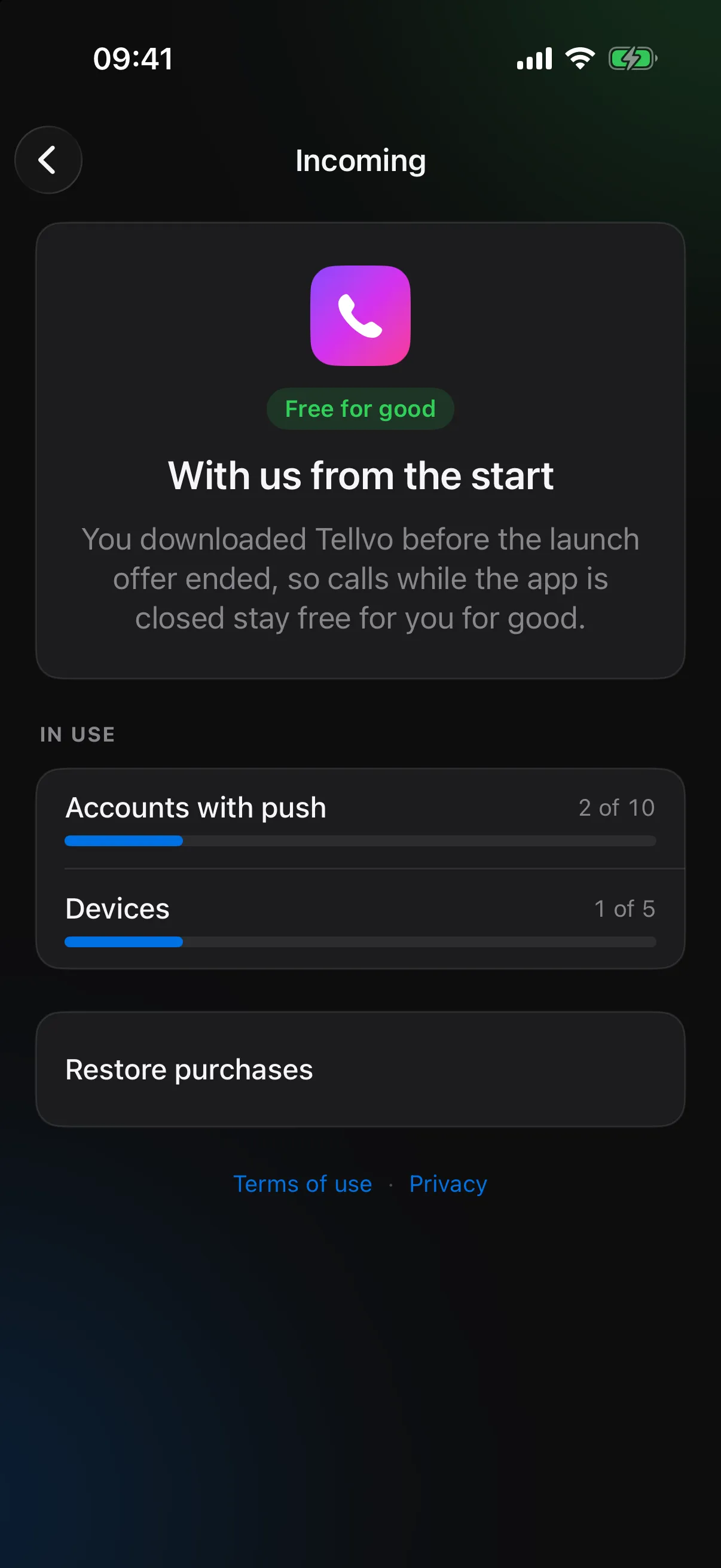
While Tellvo.app is launching, every feature is free for everyone, including calls while the app is closed. Install during the launch and it stays that way for you: no subscription, ever.
iPadOS, macOS and visionOS versions are on the way.
Available now. Every feature on this page.
The same lines on a bigger screen, with a hardware keyboard.
Take calls at your desk with your Mac’s mic and speakers.
Calls that float beside your work.
Right now the launch offer unlocks everything for free. After the launch, these plans apply to new users.
For calls you make, and calls while the app is open.
Your iPhone rings even when the app is closed.
For the office: more lines, more devices.
Subscriptions are bought in the app on your iPhone, with your Apple ID. Cancel anytime in the App Store.
Yes. Tellvo.app is the phone; your provider or office phone system is the line. If you have a SIP username, password and server, you’re set. Any provider or PBX that speaks standard SIP works.
Making calls, taking calls while the app is open, setup from your computer, encryption, HD voice and the SIP log. Personal and Pro add calls while the app is closed.
iOS doesn’t let an app listen for calls in the background. Our push service signs in to your line for you and wakes your iPhone when a call comes in. Running that service costs money, so it’s the part we charge for.
Yes. Calls appear in Recents, ring on the Lock Screen, and work with CarPlay, AirPods and Focus, just like regular calls.
They’re coming: iPadOS, macOS and visionOS versions are in the works. iPhone is available today. There are no plans for Android yet.
Your number stays with your provider; Tellvo.app connects to it. To get a new number or move one, talk to your SIP provider.
Free on the App Store, and everything unlocked during the launch.